
The Timeline Panel
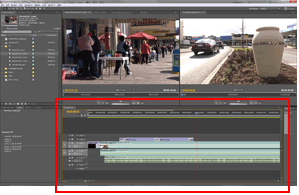
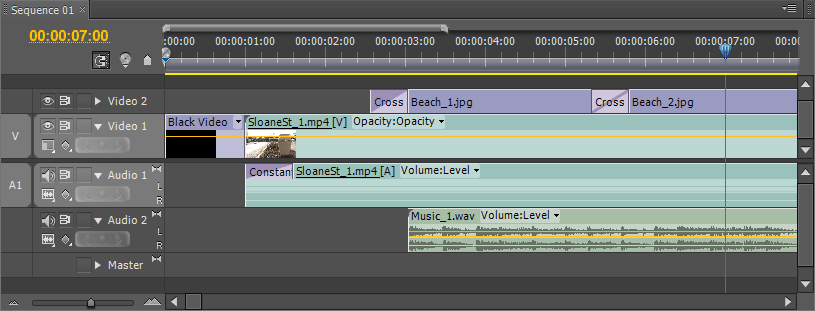
The timeline panel is where your video takes shape. By dragging items from the project panel or source monitor and placing them in the desired order, you create a sequence of clips and events which play in the timeline from left to right.
With items in the timeline, you can:
- Adjust edit points, making clips shorter or longer, or stretch them over time.
- Create multiple layers of video, e.g. titles, superimposed images, etc.
- Create multiple layers of audio, e.g. voiceovers, music, etc.
- Add transitions, filters, special effects, etc.
You can also create "nested" sequences to help keep the timeline manageable.
When you have finished editing the timeline, you can play it back in real time or export it in a variety of formats.
Next Page: Current Time Indicator